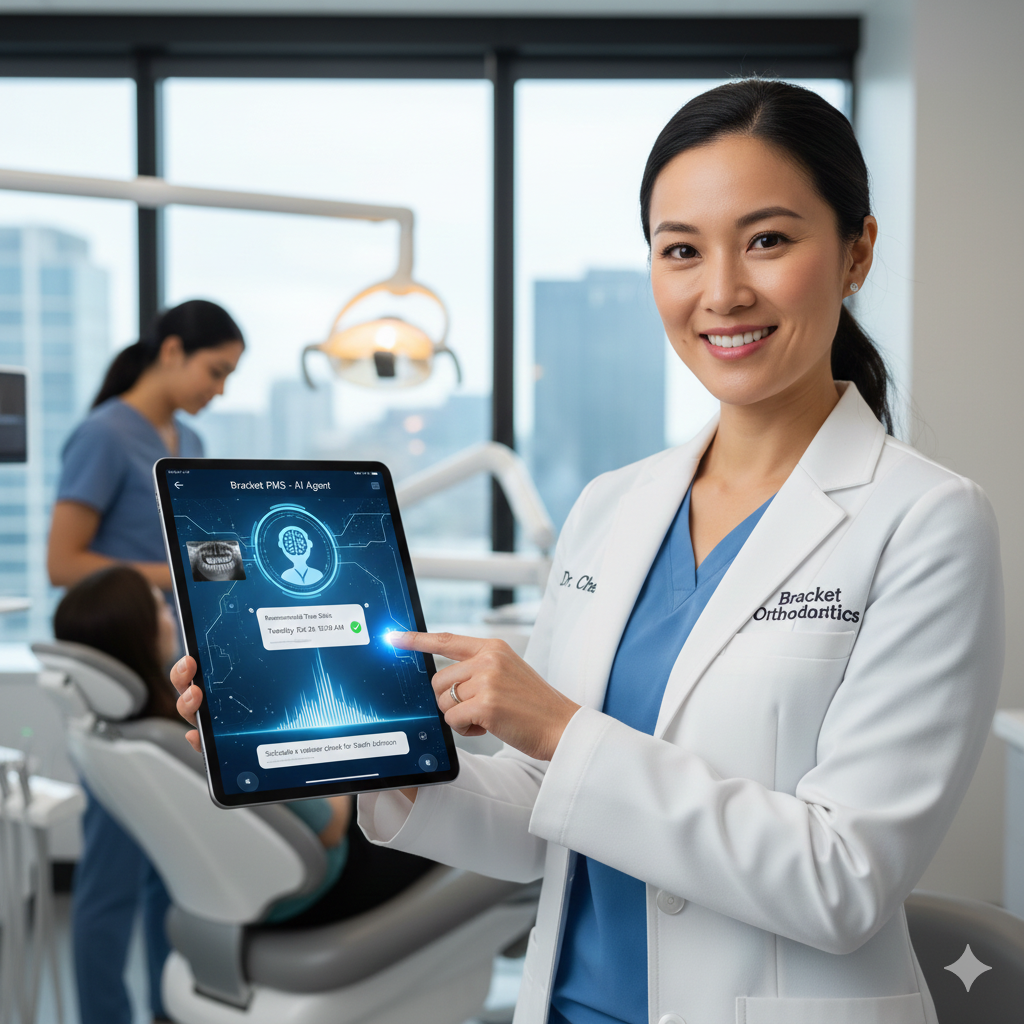
Hands-Free Clinical Documentation, Powered by Bracket OS AI
Orthodontic appointments move quickly. Doctors and assistants work chair-to-chair, often with very little time for detailed documentation. Progress notes, chart updates, records, procedures, adjustments, and observations all need to be captured accurately—but typing during a busy day is slow, disruptive, and prone to missing important details.
Bracket OS solves this challenge with Voice-to-Chart on iPad, a fully integrated AI-powered feature that listens, understands clinical intent, and updates the patient chart automatically.
It transforms the way orthodontic providers document care—freeing your hands so you can focus entirely on the patient in front of you.
With natural speech understanding, orthodontic-specific vocabulary modeling, and real-time chart integration, Bracket OS turns your iPad into the most intuitive charting tool ever introduced in orthodontics.
Hands-Free, Touch-Free Clinical Documentation
Voice-to-Chart allows orthodontists and clinical assistants to speak naturally during an exam or procedure while Bracket OS AI converts their spoken words into accurate, structured clinical entries.
There are no rigid commands.
No memorized phrases.
No special syntax.
Providers can speak casually and the AI understands:
- “Bracket off on #14, replaced with new MBT 022.”
- “Elastic wear poor over the last month.”
- “Archwire tied back; patient reports mild discomfort.”
- “Aligner fit excellent, approve moving to tray 14.”
- “Hygiene improved, no inflammation today.”
Bracket OS listens, interprets, and translates this into clean, standardized chart entries ready for review.
This enables smooth, natural documentation while the provider maintains full attention on the patient.
Optimized for iPad: Fast, Mobile, and Chairside
Voice-to-Chart was designed specifically for the way orthodontists use their iPads—moving between chairs, holding the device in one hand, or placing it on a cart nearby.
With the iPad app, you can:
- Tap once to start dictation
- Speak as you work
- Watch notes generate instantly
- Approve entries with a thumb tap
- Keep your hands free for procedures
The workflow is effortless.
Your iPad becomes a hands-free documentation assistant that follows your movements throughout the clinic.
Clinical Intelligence: The AI Understands Orthodontics
Unlike general-purpose voice dictation tools, Bracket OS is trained specifically on orthodontic terminology, procedures, biomechanics, imaging, and clinical workflows.
This means the AI recognizes:
- Tooth numbers
- Archwire types
- Bracket prescriptions
- Appliance components
- Debonds and repair procedures
- Aligner stages
- Elastics instructions
- Progress observations
- Compliance assessments
- Treatment milestones
It doesn’t just transcribe—it interprets.
For example:
If a doctor says, “Advance to 018 NiTi on the upper,” the system automatically logs a structured procedure entry for the upper arch.
If an assistant says, “Aligner not tracking on 23; added chewies and advised wear 22 hours,” Bracket OS updates compliance, progress notes, and flags the tooth for future tracking.
The AI understands the meaning behind the words, not just the sound of them.
Real-Time Chart Updating
Everything spoken is translated into structured chart components:
The AI automatically updates:
- Procedure codes
- Clinical notes
- Progress assessments
- Appliance changes
- Treatment stage updates
- Hygiene observations
- Compliance entries
- Next-step recommendations
- Alerts for doctor review
- Documentation requirements
Your chart becomes richer, more detailed, and more consistent—automatically.
This reduces end-of-day charting, eliminates forgotten details, and ensures accurate documentation for every patient.
Smart Context Awareness: The AI Knows the Visit Type
Voice-to-Chart works hand-in-hand with Bracket OS’s unified data context layer.
This means the AI understands the appointment type and adjusts its interpretation accordingly.
For a braces adjustment:
- Notes emphasize wire changes, bracket repairs, and tooth movement observations.
For an aligner check:
- AI expects comments about tracking, attachments, elastic patterns, and stage progression.
For a consult:
- It listens for diagnostic impressions, treatment recommendations, and plan discussions.
For a debond:
- It prioritizes finishing notes, hygiene advice, retention plans, and final instructions.
The AI listens differently based on clinical context—just like a trained orthodontic team member would.
Doctor Approval With One Tap
Accuracy and compliance are critical.
Every voice-generated entry goes into a review queue, where the doctor can approve or edit with a single touch.
The approval panel shows:
- AI-generated structured notes
- Transcribed text version
- Interpretation and coded procedures
- Suggested alerts or follow-ups
- Imaging references, if applicable
Once approved, the notes lock into the chart with time and provider attribution.
This creates a perfect balance of automation + provider control.
Faster Appointments, Better Documentation, Less Stress
Voice-to-Chart saves substantial time throughout the day.
Providers no longer have to pause to type, remember details at the end of the day, or rely on memory to reconstruct a visit.
The benefits are significant:
- Shorter appointments
- Improved accuracy
- Higher consistency across providers
- Reduced staff fatigue
- Near-zero documentation backlog
- Better compliance and protection
- More detailed clinical records
- Happier doctors and assistants
Voice-driven charting turns documentation from a burden into an effortless background process.
Works in Real Clinical Environments
A major strength of Bracket OS Voice-to-Chart is that it’s engineered for real orthodontic settings—where noise, airflow, and movement are constant.
It handles:
- Background chatter
- Masked voices
- Suction noise
- Open-bay acoustics
- Vented treatment rooms
- White noise machines
Advanced noise filtering and dental-environment optimization ensure accurate capture even in active clinical spaces.
The Best Tool for Multi-Doctor and Multi-Location Consistency
Voice-to-Chart ensures that no matter which doctor sees the patient—or which location they’re treated at—charting remains consistent.
Every provider speaks naturally, but the AI formats documentation into a unified style.
This helps:
- Maintain clinical continuity
- Support compliance
- Ensure accurate treatment tracking
- Standardize charting across teams
- Reduce variability between providers
It’s the first charting tool that makes multi-doctor practices more consistent, not less.
The Future of Orthodontic Documentation, Delivered Today
Bracket OS’s Voice-to-Chart is more than dictation.
It’s intelligent clinical listening.
It’s context-aware chart generation.
It’s orthodontic-specific understanding.
It’s real-time documentation.
It’s the most intuitive way to chart ever built.
It represents a fundamental shift:
- From typing to speaking
- From remembering to recording instantly
- From manual documentation to AI-driven accuracy
- From end-of-day catchup to real-time precision
Voice-to-Chart doesn’t just improve workflow—it transforms it.
Conclusion: Speak. Treat. Done.
With Bracket OS Voice-to-Chart on iPad, orthodontic documentation finally keeps up with the speed of real clinical care.
Your hands stay free.
Your attention stays on the patient.
Your chart stays complete—automatically.
Bracket OS doesn’t just make charting easier.
It makes it effortless.