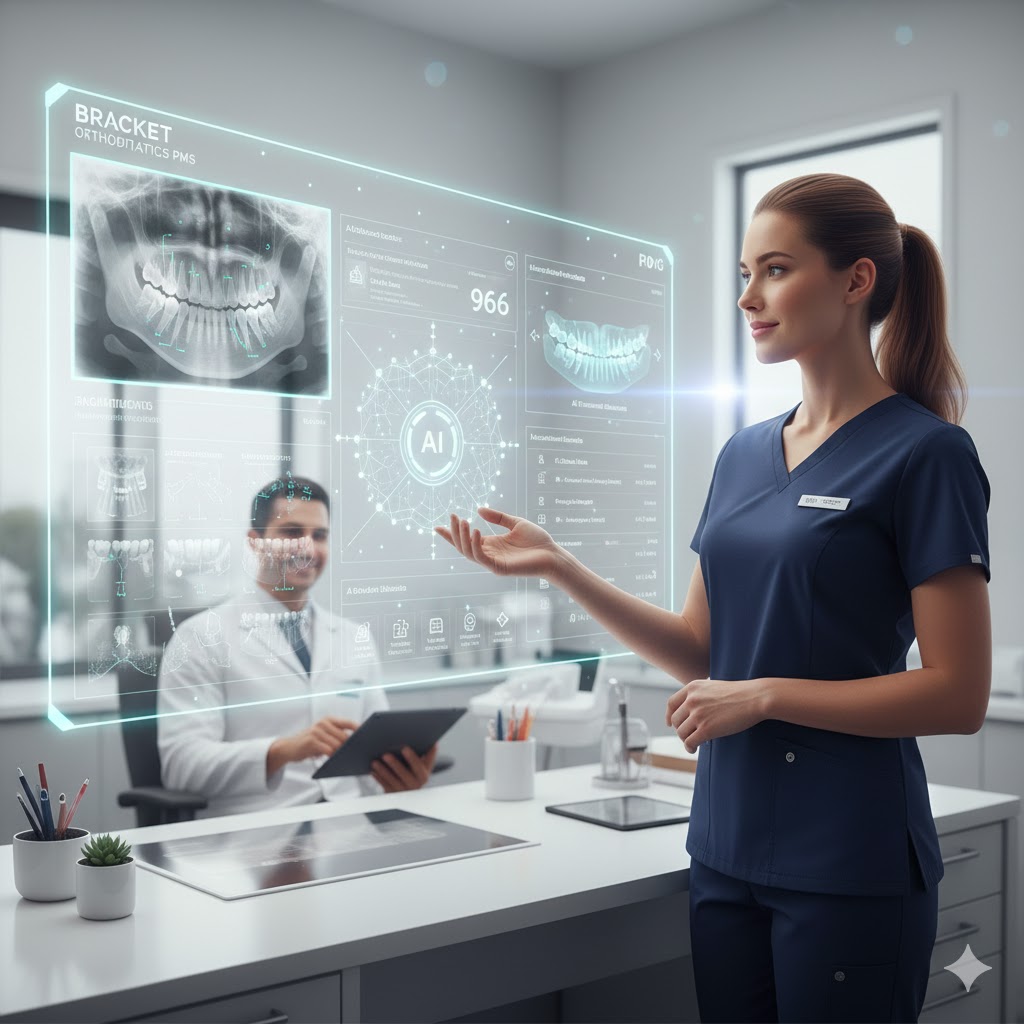
Automatic Classification, Labeling, and Seamless Integration of Clinical Images for Modern Orthodontics
In orthodontics, records are more than photos—they’re clinical truth. They mark the starting point of every smile transformation, guide treatment decisions, and validate your results long after a case is finished. Yet as digital imaging becomes faster and more accessible across iPhones, intraoral scanners, CBCT machines, and DSLR cameras, the sheer volume of images an orthodontic practice generates has skyrocketed.
Bracket OS was designed to turn this challenge into an advantage.
Our AI Imaging & Records engine brings intelligence, automation, and structure to every image that enters your practice. Instead of sorting, labeling, or uploading manually, orthodontists and clinical teams using Bracket OS on their Mac or iPad get an automated, highly organized, fully integrated imaging workflow—one that saves time, reduces errors, and increases the clinical value of every photo.
This is not just a better filing system.
This is a smarter practice.
Why AI Imaging Matters for Orthodontic Workflows
Before AI, managing images required staff time, attention to detail, repeat checking, and continual reorganization. Clinical photos had to be:
- Downloaded
- Sorted
- Cropped or adjusted
- Classified into views (frontal smile, upper occlusal, buccal left, etc.)
- Labeled according to the patient record
- Uploaded to the correct case
- Linked manually to progress timelines
Even in digital imaging systems, this process often required multiple steps and multiple platforms. Missing photos, mislabels, and inconsistent views were common.
And the bigger a practice grows—multiple locations, multiple assistants, multiple imaging stations—the harder it becomes to keep imaging consistent.
Bracket OS solves all of this by incorporating AI-driven image intelligence directly into the PMS layer.
Instead of looking at static folders or disorganized photo dumps, Bracket OS instantly identifies, interprets, and organizes clinical photos the moment they’re captured—no matter where they come from.
Automatic Image Classification: AI That Understands Clinical Views
At the heart of Bracket OS’s imaging system is precise automatic classification.
The AI understands the differences between:
- Frontal smile
- Frontal retracted
- Right buccal
- Left buccal
- Upper occlusal
- Lower occlusal
- Profile
- CBCT slices
- Panoramic views
- Progress photo sequences
- Patient-submitted photos
- Scanner captures
- And more
As soon as images are imported—via Mac upload, iPad camera, intraoral scanner integration, or patient portal—the AI analyzes spatial patterns, angulation, occlusal plane visibility, tooth surfaces, soft tissue contours, and other visual features to properly classify each image.
What This Means for the Practice
- Zero manual sorting
- Zero misclassification
- Zero duplicated views
- Fully standardized record sets
- Images automatically placed in the correct grid or view template
With consistency guaranteed, every clinician, assistant, or remote reviewer sees exactly the images they need—always in order, always complete.
AI Labeling: Clean, Structured, Standardized Imaging
Classification tells the system what each image is.
Labeling makes sure it’s documented correctly.
Bracket OS uses AI to automatically generate:
- Correct view labels
- Clinical descriptors
- Time-stamped progress markers
- Image metadata (case phase, appointment type, doctor, location)
- Visit-stage tags (Initial, Progress 1, Progress 2, Deband)
- Alignment with the treatment plan timeline
This eliminates human variation—no more “Right Buccal,” “R Buccal,” “RB,” or “Buccal Right” inconsistencies. Your practice gets clean, standardized, uniform labeling across every patient, every visit, and every provider.
Why Labeling Matters Clinically
A well-labeled image set is not just organized—it’s functional.
AI labeling supports:
- Faster charting
- Better treatment comparisons
- Clearer presentations for parents and patients
- Accurate insurance documentation
- Research-ready datasets
- Alignment assessments
- Tooth-movement tracking
- AI progress reporting
This creates a precise clinical history that’s always easy to navigate, even years after treatment.
Integration Directly Into the Clinical Chart and Timeline
Bracket OS doesn’t treat imaging as a separate system—it integrates it directly into the patient’s clinical story.
Once classified and labeled, images automatically link to:
- The clinical chart
- Treatment progress timeline
- Doctor notes
- Procedures completed
- Appliance status
- Tooth-movement analytics
- Insurance claim generation (when applicable)
- Financial adjustments (if treatment changes)
- AI Clinical Charting inputs
When an orthodontist opens a patient’s chart, they instantly see:
- The current phase of treatment
- Relevant clinical images for this phase
- Progress comparisons generated automatically
- AI-detected changes since the last visit
- Recommended documentation or procedures
This tight integration turns images into actionable intelligence—not static pictures.
AI Image Analysis That Enhances, Not Replaces, Clinicians
The Bracket OS imaging engine is built to support orthodontists, not dictate treatment. It identifies potential clinical changes such as:
- Debonded brackets
- Broken appliances
- Changes in tooth angulation
- Archform improvements
- Midline shifts
- Overjet/overbite movement
- Oral hygiene concerns
- Elastics compliance indicators
It then presents observations clearly inside the charting interface, with the orthodontist approving, modifying, or discarding each suggestion.
The result:
AI enhances accuracy and consistency
while the clinician retains total control.
Designed for Mac and iPad: Imaging That Moves With You
Bracket OS was engineered specifically for Mac-first practices and mobile orthodontists who rely on iPad chairside.
On Mac:
- Drag-and-drop photo upload
- Automatic AI classification on import
- High-resolution viewer with timeline comparisons
- Multi-monitor support for consult rooms
On iPad:
- Capture images directly using the iPad camera
- Instant AI classification without extra steps
- Use the tablet chairside to review progress
- Present to parents in the consult room
- Sync automatically with the cloud
Whether you’re running a multi-chair clinic or a boutique practice, imaging becomes fluid, mobile, and instantly accessible.
The End Result: An Orthodontic PMS That Understands Your Records
Bracket OS’s AI Imaging & Records system delivers:
Time Savings
- Assistants spend less time sorting or labeling
- Orthodontists spend less time searching for images
- Documentation becomes nearly automatic
Consistency
- Every record set matches your preferred template
- Views never go missing
- Labels never vary
- Clinical comparisons are reliable
Clinical Intelligence
- Progress tracking is more accurate
- Treatment planning becomes clearer
- Parents and patients understand results better
- Documentation supports insurance and legal compliance
Practice Scalability
- Larger teams stay aligned
- Multi-location practices stay integrated
- New staff onboard faster
- Imaging standards stay intact over time
Conclusion: AI Imaging That Elevates Every Part of Your Practice
Bracket OS transforms orthodontic imaging from a time-consuming workflow into an intelligent, integrated, automated system that strengthens clinical accuracy while reducing administrative burden. With AI-powered classification, labeling, and direct integration into the patient’s timeline, your imaging becomes a core part of your practice’s intelligence—not a task your team dreads.
Every photo becomes useful.
Every record becomes organized.
Every clinician becomes empowered.
Every patient sees their progress clearly.
Bracket OS is not just a PMS—it’s the future of orthodontic imaging.